
How Do Workplaces Use Phone Lockers for Employee Phone Storage? (2026 Guide)
Workplaces use phone lockers to create dedicated, secure storage zones that minimize digital distractions, protect sensitive intellectual property, and ensure physical safety in high-risk environments. By providing a central hub for personal devices, companies can balance employee connectivity with the need for a focused, high-performance culture.
In this guide, you will learn how to:
- Identify the best deployment strategy for your industry.
- Select locker features like integrated charging and RFID access.
- Draft a fair workplace phone policy that employees actually follow.
- Avoid legal and HR pitfalls regarding device liability.
The Rise of the "Phoneless" Workspace
In 2026, the "Deep Work" movement has transitioned from a productivity niche to a corporate standard. As digital exhaustion rises, modern offices are implementing "Phoneless Zones" to help employees reclaim their focus. This trend isn't just about restriction; it's about providing a mental break from the constant cycle of notifications.
Open-plan offices, R&D labs, and high-precision manufacturing floors are leading this shift. By using cell phone lockers, these organizations provide a physical boundary between personal life and professional output, leading to measurable improvements in cognitive endurance throughout the workday.
3 Primary Ways Workplaces Deploy Phone Lockers
High-Security & IP Protection
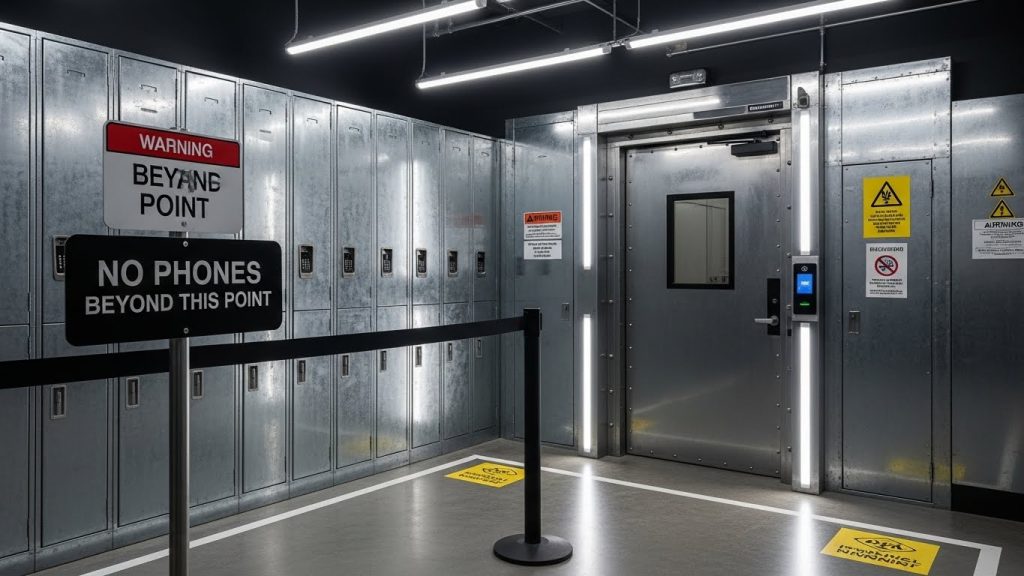
For companies involved in government contracting, hardware prototyping, or sensitive data management, phone lockers are a non-negotiable security layer. Since smartphones are essentially mobile cameras and recording devices, many secure facilities require phones to be docked at the "Air Gap" entrance. This prevents accidental or intentional leaks of trade secrets and intellectual property.
Productivity-First "Focus Zones"
In corporate environments, lockers are often used for voluntary storage. Employees check their phones into a locker at the start of a "sprint" or deep-work session. This is common in software development and creative agencies where flow state is essential. Unlike a total ban, this approach frames lockers as a tool for success rather than a disciplinary measure.
Safety Compliance
In warehouses, construction sites, and chemical plants, a split-second distraction from a phone can lead to a catastrophic accident. Workplaces use lockers here to meet OHS (Occupational Health and Safety) standards. Workers store their devices before entering the floor, ensuring they remain fully aware of heavy machinery and environmental hazards.
Key Features of Modern Employee Phone Lockers
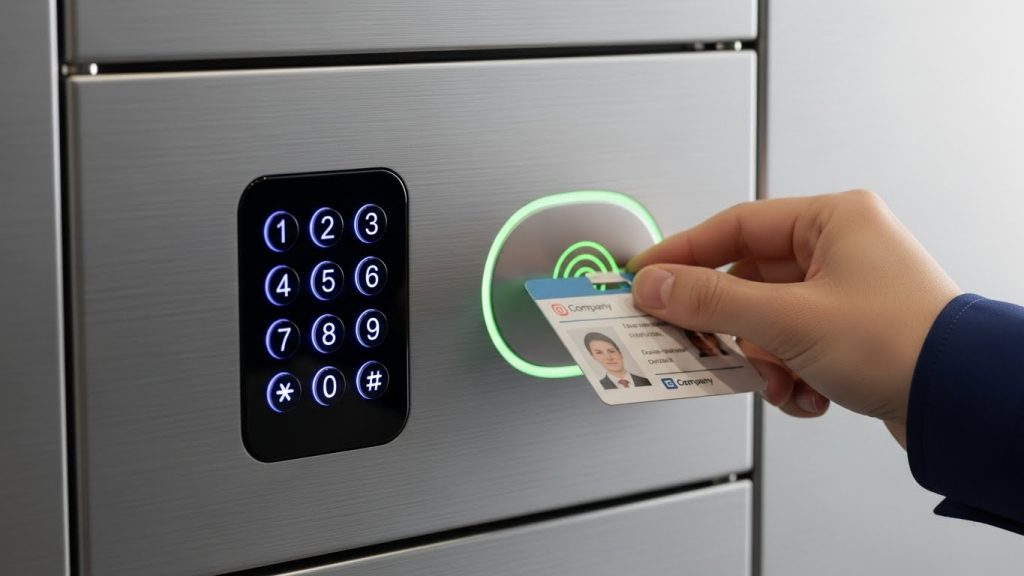
Today’s workplace storage has evolved far beyond the basic metal box. To ensure adoption and trust, employers are looking for specific technical specifications:
- Integrated Charging: Modern units often include USB-C charging ports inside each compartment, allowing employees to return to a fully charged device at the end of their shift.
- Smart Access: Using RFID or existing workplace ID badges to open lockers reduces the friction of lost keys or forgotten combinations.
- Material Durability: For long-term ROI, heavy-duty materials like Galvanized Steel (T1.0mm thickness) or High-Pressure Laminate (HPL) are preferred for their anti-theft properties.
- Visibility Options: Transparent acrylic doors allow supervisors to see that a device is present without needing to open the locker, while solid steel doors provide maximum privacy and security.
When choosing between materials, managers often ask whether metal vs laminate phone lockers are better suited for their specific environment—metal generally wins for industrial sites, while laminate fits the aesthetic of modern executive suites.
Creating a Fair Workplace Phone Locker Policy
Implementation is more about culture than hardware. To get employee buy-in, follow these steps:
- Define the "Why": Clearly communicate if the policy is for safety, security, or productivity.
- Establish Emergency Protocols: Provide a central office line or a "Smart Watch exception" so employees know their families can still reach them in a crisis.
- Define Access Times: Specify when employees can check their phones (e.g., during lunch or scheduled breaks).
- Assign Responsibility: Clearly state that the company provides secure storage but define the limits of liability.
Common mistakes to avoid:
- Surprise Implementation: Don't install lockers overnight without an introductory period.
- Lack of Accessibility: Placing lockers too far from the workstation can lead to wasted time during breaks.
- Ignoring Wearables: Failing to address smartwatches in your policy can create a "loophole" that defeats the purpose of the locker.
Legal and HR Considerations
Before rolling out a storage mandate, consult with your legal team regarding local labor laws. In many jurisdictions (needs verification), employers have the right to restrict phone use during paid work hours, but they must provide a secure way to store those personal items if they are banned from the person.
Furthermore, if a workplace mandates the use of lockers, the company may assume a higher "duty of care" for the devices. Using high-quality lockers with individual locks and security cameras in the locker area helps mitigate the risk of theft and subsequent legal claims. While this is a standard practice in corporate offices, it mirrors the high-stakes environments of education; for instance, you can see how similar principles are applied in how phone lockers are used in classrooms to maintain order and security.
Frequently Asked Questions (FAQ)
Generally, yes. Employers have the right to set workplace policies regarding personal device usage during work hours, especially for safety or security reasons.
The best locations are high-traffic, supervised areas near the entrance or breakroom. This ensures easy access during transitions while maintaining security.
Standard metal lockers provide some signal attenuation, but specialized "Faraday" lockers are required if the goal is to completely block all cellular and Wi-Fi signals.
Most workplaces provide a designated emergency landline or allow "High-Priority" notifications to be sent to a company-managed device or a front-desk coordinator.
Yes. Much like how phone lockers help during exams in schools, corporate training centers use them to prevent cheating and protect the integrity of certification tests.
In a B2B or workplace setting, charging for lockers is discouraged as it can hurt morale. Providing them as a free amenity is the standard for 2026.
Conclusion
Workplaces use phone lockers not just as a means of restriction, but as a foundation for a safer, more focused, and more secure environment. Whether you are protecting trade secrets or simply trying to boost the "Deep Work" capabilities of your team, the right hardware is essential.
