
How Do Phone Lockers Help During Exams and Testing? (2026 Guide)
Phone lockers help during exams by providing a physical, secure barrier between students and their mobile devices, effectively eliminating digital distractions and high-tech cheating. By removing the "proximity effect" of smartphones, these lockers ensure academic integrity while protecting student property and streamlining the administrative check-in process.
In this guide, you will learn:
- How to mitigate AI-driven cheating risks in 2026.
- Methods to reduce student "phone separation anxiety."
- The logistical workflow for high-volume exam days.
- Why dedicated lockers reduce school liability for damaged devices.
1. Preserving Academic Integrity: The "High-Tech Cheating" Shield
In 2026, academic integrity faces challenges far beyond simple text messages. With the rise of AI-enabled tools, smart glasses, and ultra-discreet wearables, a "phones in backpacks" policy is no longer sufficient. Many modern devices can be triggered remotely or used as hotspots for hidden earpieces even when the screen is dark.
Phone lockers provide a definitive "clean zone." By requiring students to store all web-enabled hardware in a central, supervised location, proctors can focus on the room rather than policing pockets.
Common Mistakes to Avoid:
- Allowing "Power Off" on Desks: Many smart devices can still receive silent vibrations or act as Bluetooth relays.
- Ignoring Wearables: Failing to require smartwatches and AI-pins to be stored alongside phones.
To learn more about implementing these systems daily, see our guide on how phone lockers are used in classrooms without disrupting class.
2. Maximizing Cognitive Performance: The Psychology of "Out of Sight"
Research into the "Brain Drain" effect suggests that the mere presence of a smartphone—even if turned off and face down—reduces a student’s available cognitive capacity. The subconscious effort required to resist checking a device occupies functional memory that should be dedicated to the exam.
By moving devices to a separate room or a wall-mounted locker unit, students experience a measurable increase in deep focus.
- The "Out of Sight" Benefit: Students perform better when they are physically unable to reach their device.
- Reducing Notifications: Eliminating the sound or vibration of a "buzzing" backpack ensures a silent testing environment for everyone.
3. Reducing "Nomophobia" and Exam-Day Anxiety
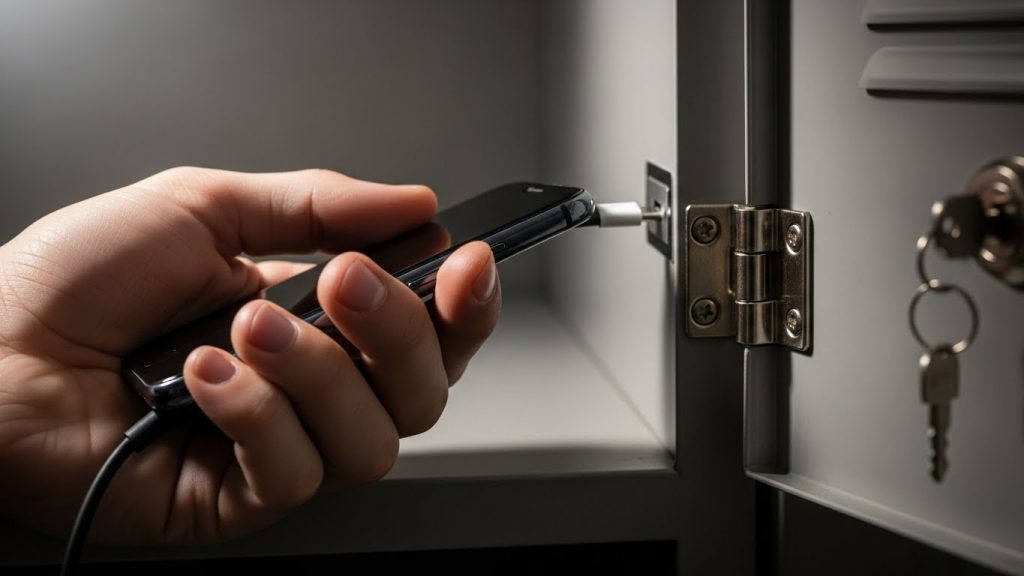
Separating a student from their phone often triggers "Nomophobia" (No-Mobile-Phone-Phobia), which can spike cortisol levels during a test. However, secure lockers actually mitigate this anxiety by providing a guarantee of safety.
Students are often more distracted by the fear of their phone being stolen from an open bin or damaged in a pile of backpacks than they are by the lack of the phone itself.
- The Charging Incentive: Using cell phone lockers equipped with USB ports turns a "restriction" into a "service," as students get their devices back with a full battery.
- Peace of Mind: Knowing a device is behind a personalized key or code allows the student to focus entirely on their paper.
4. Logistics: How to Manage 100+ Devices Without Chaos
The biggest barrier to implementing phone lockers is the fear of a logistical bottleneck during check-in and check-out. To manage large-scale testing centers, follow this 2026 workflow:
- Assigned Compartments: Match locker numbers to student ID numbers or desk assignments.
- The "Two-Minute" Rule: Have students arrive at the locker station five minutes before the exam doors open.
- Staggered Release: Release students by row or locker block to prevent crowding at the end of the session.
When choosing a setup, consider the physical layout of your hall. You can compare different configurations in our analysis of wall-mounted vs floor-standing phone lockers.
5. Comparing Storage Methods: Why Lockers Beat the Alternatives
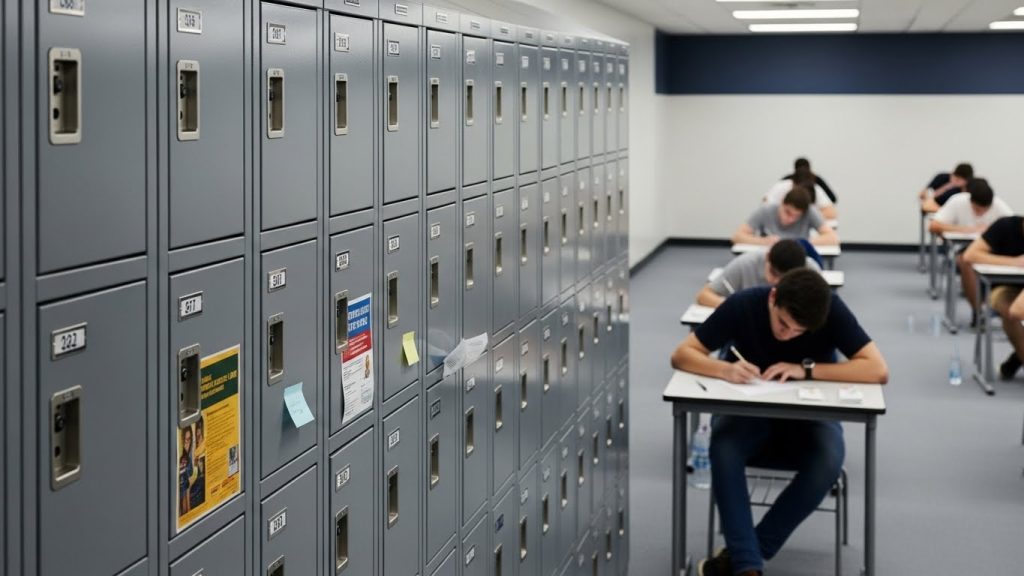
Schools often rely on "low-cost" alternatives like shoe racks or plastic bins, but these methods create significant liability and security gaps.
| Feature | Phone Lockers | Plastic Bins/Shoe Racks | Backpacks under Desks |
| Theft Protection | High (Key/Code) | Low (Open Access) | Medium |
| Cheating Prevention | Absolute | Moderate | Low |
| Liability Protection | High | None | Low |
| Charging Ability | Optional | No | No |
Common Mistakes to Avoid:
- Using Flimsy Materials: For high-traffic testing centers, choosing the wrong material can lead to frequent repairs. Ensure you review the differences between metal vs laminate phone lockers to determine which is most durable for your specific climate and usage level.
Frequently Asked Questions
Yes. By removing the device from the student's person and immediate vicinity, you eliminate the possibility of using AI assistants, hidden notes, or real-time communication during the exam.
Costs vary based on the number of compartments and whether they include charging capabilities. Generally, prices range from $15 to $50 per compartment (needs verification) depending on material and locking mechanism.
Generally, using a lockable, individual compartment reduces a school's liability compared to "open storage" methods, as it demonstrates a "duty of care" by providing a secure environment for personal property.
The fastest method is using a "self-service" system with pre-assigned digital codes or physical keys, allowing students to retrieve their devices independently rather than waiting for a staff member to hand them out.
Most testing centers make locker usage a "Condition of Entry." If a student refuses, they are typically prohibited from taking the exam or must sign a waiver acknowledging that any phone found on their person results in an immediate zero.
Yes, modern lockers are designed with dimensions specifically to fit the largest 2026 smartphone models and their protective cases.
