
Avoid These 4 Risks When Buying Facial Recognition Lockers
Many companies are swayed by flashy interfaces when buying facial recognition lockers, only to face a host of practical headaches later: systems that fail in low light, long queues during shift changes, and belongings trapped inside during power outages.
To avoid these costly mistakes, you must address these four practical issues before finalizing your purchase.
1. The Lighting Trap: Will Your Locker Work in the "Real World"?
Inexpensive facial recognition lockers often perform well in well-lit offices but fail in dark factory corners or areas with heavy backlight (like facing a glass entrance).
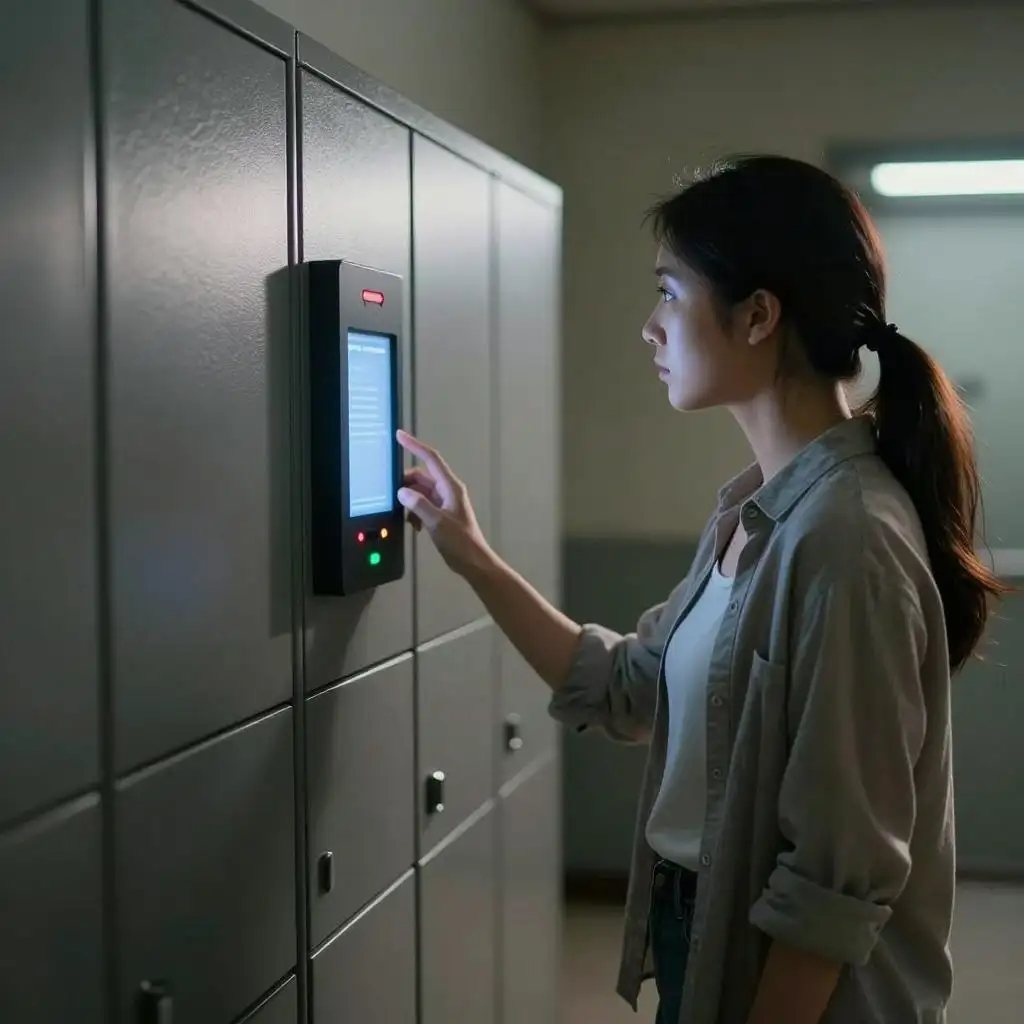
- The Reality: If lighting is too strong or too dim, recognition fails repeatedly, leading to frustrated employees and management friction.
- Pro Advice: Insist on a camera with WDR (Wide Dynamic Range). It acts like auto-tinting sunglasses, ensuring the locker opens instantly whether in direct sunlight or deep shadow.
- Recommended Solution: The Biometric Face Locker | High Security Steel Storage is built for public spaces. It features integrated fill lights specifically designed to neutralize poor environmental lighting.
2. Processing Speed: Can It Handle 500 People During a Shift Change?
If a locker takes several seconds to recognize one face, a queue of hundreds will quickly form. In a high-traffic facility, this isn't just a delay—it’s an operational failure.
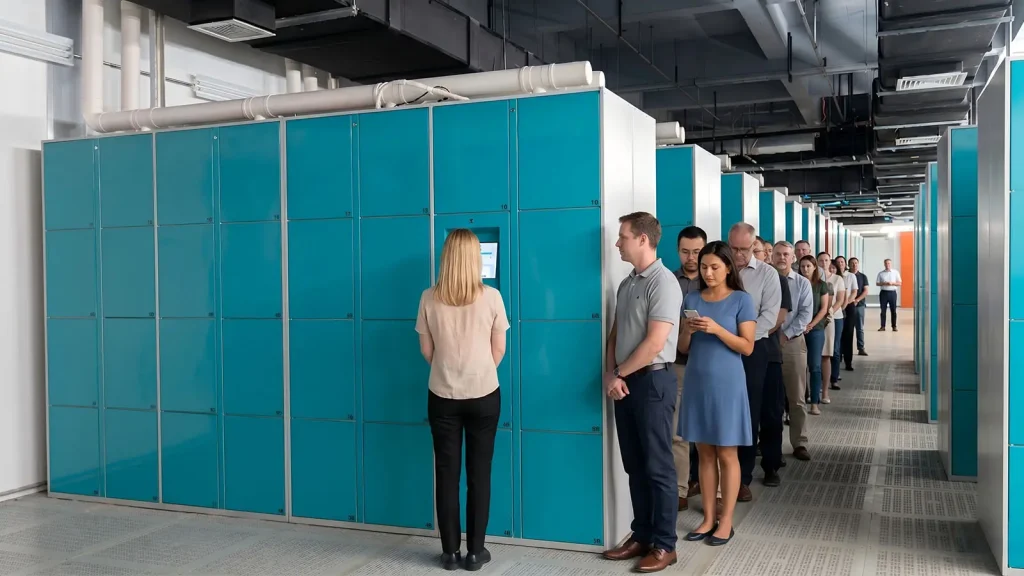
- The Reality: A slow system "brain" causes bottlenecks. One-second delays per person add up to major lost productivity.
- Pro Advice: Don't just look at storage capacity; look at the processor. Ask if the system uses an RK3288-grade chip. Only high-performance processors can handle large databases without lagging.
- Recommended Solution: For factories or large venues, choose the Smart Face Recognition Locker | Contactless Storage. This high-spec model is engineered for high-frequency access to keep people moving.
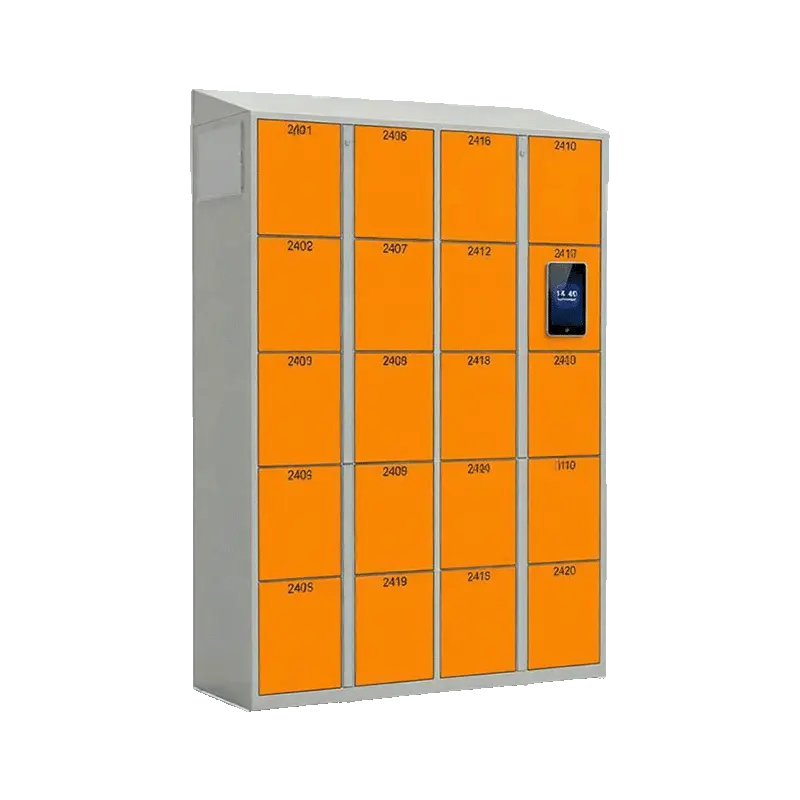
| Feature | Specification |
| CPU | RK3288 Quad-core Cortex-A35, Max Frequency 1.8GHz |
| Memory | 2GB DDR3 |
| Flash | 8GB |
| Android Version | Android 7.1 |
| Camera | 2MP HD Industrial Lens |
| Screen | 8-inch IPS Display |
| Resolution | 1240*800 |
| Face Comparison Mode | 1:N / 1:1 |
| Registration Speed | <1s |
| Recognition Speed | <1s |
| False Acceptance Rate | <0.01% |
3. Security Risks: Can It Be Fooled by Photos or Pried Open?
Management’s biggest fears are someone using a photo to bypass the scan or a thief shimming the lock with a simple plastic card.
- The Reality: If the software can't detect a "live" person and the hardware can't resist a pry bar, the locker is a liability.
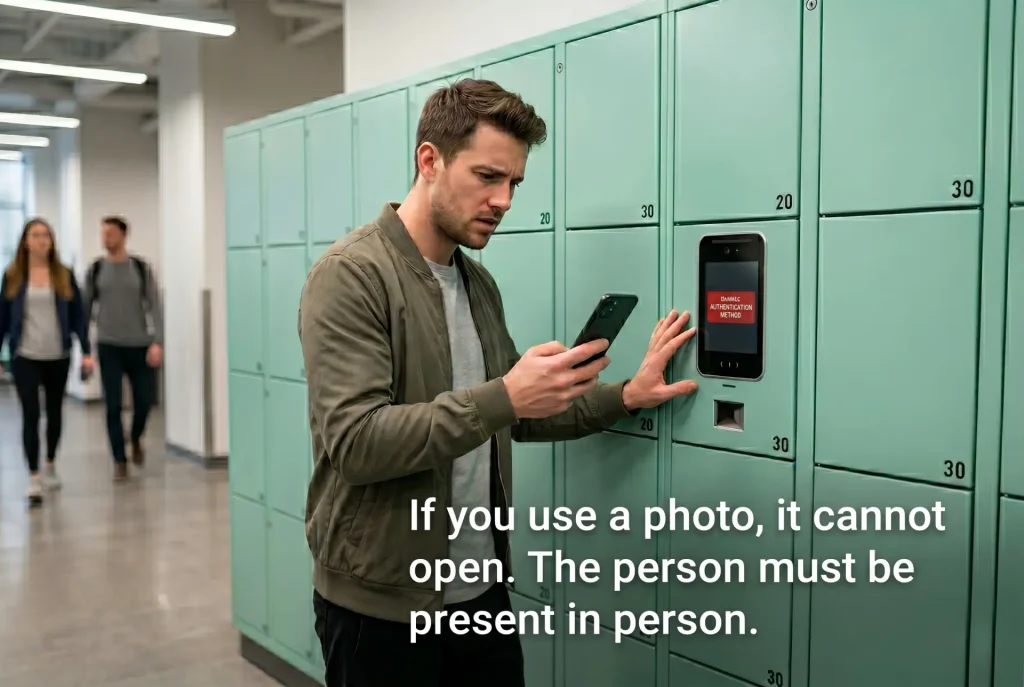
- Pro Advice: Ensure the software includes "Live Detection" to block photos and videos. On the hardware side, the locks must be 360-degree anti-pry. Avoid standard solenoid locks that can be tripped with a thin card; choose a structure where the latch is hidden behind the frame.
- Recommended Solution: For high-security requirements, look at the Biometric Face Locker. It features patented anti-pry locks and reinforced steel door panels for maximum physical defense.
4. Emergency Handling: What Happens During a Power Failure?
Electronics can fail. If the power goes out or the system crashes, and employees can't get their belongings to go home, you will face a wave of complaints.
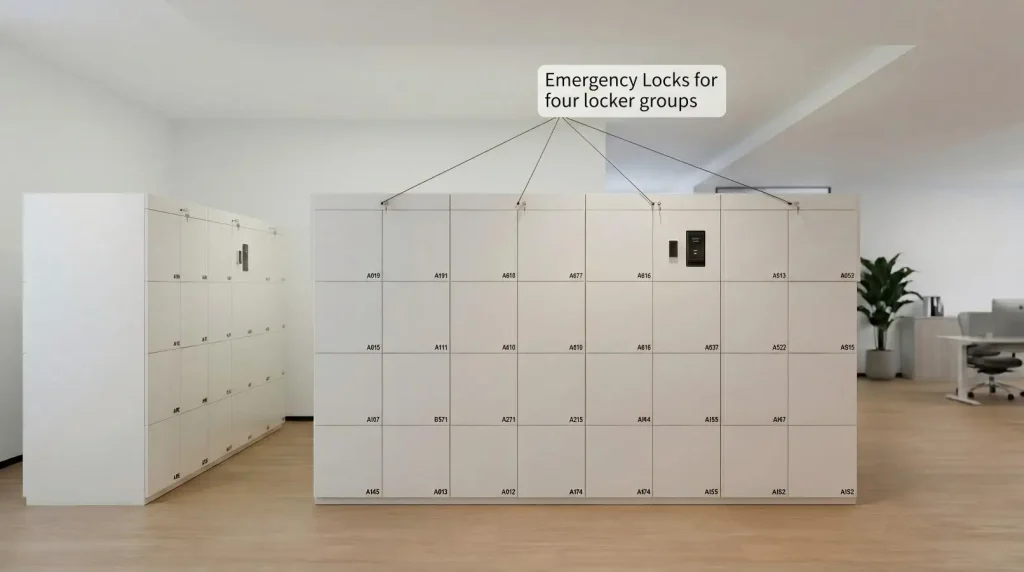
- The Reality: Without power, a smart locker shouldn't become an inaccessible "iron box."
- Pro Advice: Every unit must have a Manual Emergency Override. Verify that there are hidden maintenance slots for physical access. Additionally, ensure data is stored locally (not just on the cloud) so the system works even if the internet goes down.
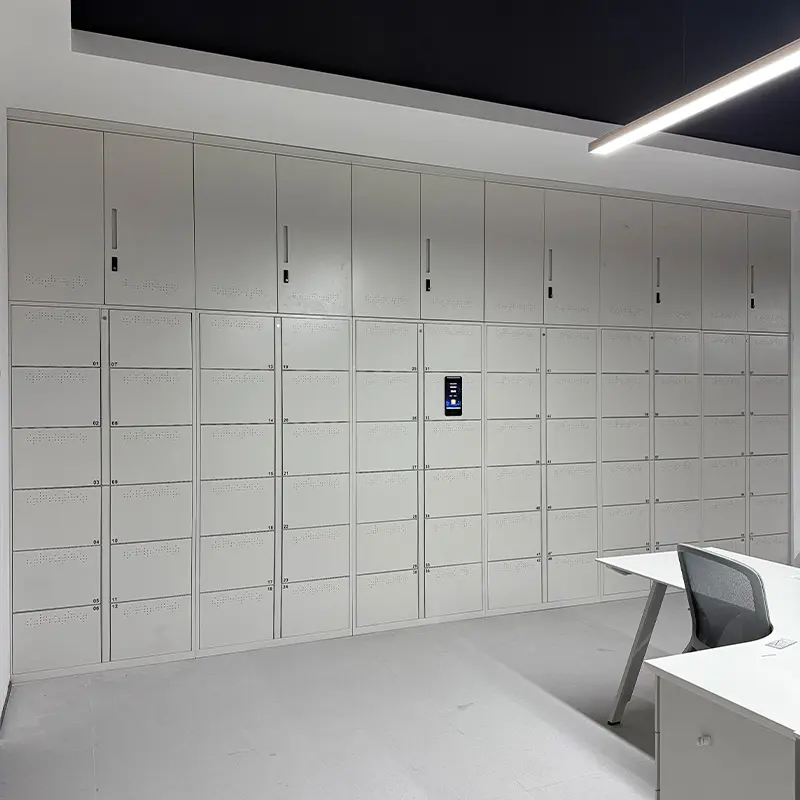
- Recommended Solution: The Facial Recognition Office Locker (Custom Solutions) is designed with these "what-if" scenarios in mind. It organizes storage efficiently while providing discreet maintenance slots so admins can handle emergencies manually.
Summary: Ask the Supplier These 3 Questions Before You Buy
1."Can you guarantee the recognition rate in direct sunlight or near-darkness?"
2."If the power fails or the system crashes, is there a mechanical way to open the doors?"
3."Can the system be fooled by a high-resolution photo of a user?"
