
Key Lock vs Digital Lock Phone Lockers: Which Is More Secure in 2026?
Digital phone lockers are generally more secure for high-traffic facilities in 2026 because they eliminate the security "blind spot" of lost or duplicated keys and provide vital audit trails. While traditional key locks offer unmatched mechanical reliability and require no power, digital systems offer superior logistical control and theft prevention through encrypted access codes or NFC tokens.
In this guide, you will learn:
- How to evaluate physical picking risks vs. digital hacking vulnerabilities.
- The true "Total Cost of Ownership" between metal keys and batteries.
- Which locking system fits your specific industry (Schools, Gyms, or Offices).
- How to avoid common procurement pitfalls when upgrading your storage.
The Core Conflict: Physical Reliability vs. Digital Intelligence
Choosing between a key and a digital lock isn't just about "old vs. new"; it is about deciding between mechanical simplicity and data-driven oversight. In 2026, security is defined by two metrics: Physical Integrity (how hard it is to break the lock) and Logistical Integrity (how easy it is to manage who has access).
Traditional cell phone lockers rely on physical barriers. If you have the key, you have the phone. Digital lockers, however, introduce "intelligence"—they can record every time a door is opened, alert management to tampering, and automatically reset codes after a shift.
Pro-Tip: If your primary concern is "Chain of Custody" (knowing exactly who accessed a locker and when), digital intelligence is mandatory.
Traditional Key Lockers: The Unhackable Classic?
Key lockers remain a staple because they are immune to software glitches, power outages, and cyber-attacks. For many facility managers, there is a distinct peace of mind in knowing a locker will open without a Wi-Fi signal or a fresh battery.
The Benefits of Mechanical Security
- No Power Dependency: Essential for outdoor areas or facilities without easy access to electrical grids.
- Simplified Training: Everyone knows how to use a key; there are no codes to forget or software interfaces to learn.
- Durability: High-quality mechanical cam locks are often more resistant to extreme humidity or dust than entry-level digital screens.
The Vulnerability Gap
The weakness of the key system is the "Human Factor." Physical keys can be lost, stolen, or duplicated at any hardware store. When a key goes missing, the security of that locker is compromised until the entire cylinder is replaced—a costly and time-consuming process.
Common Mistakes to Avoid:
- Poor Master Key Management: Leaving the master key in an unsecured desk drawer.
- Cheap Cylinder Locks: Using low-grade locks that are easily "raked" or picked with basic tools.
Digital Phone Lockers: The Rise of the "Smart" Guard
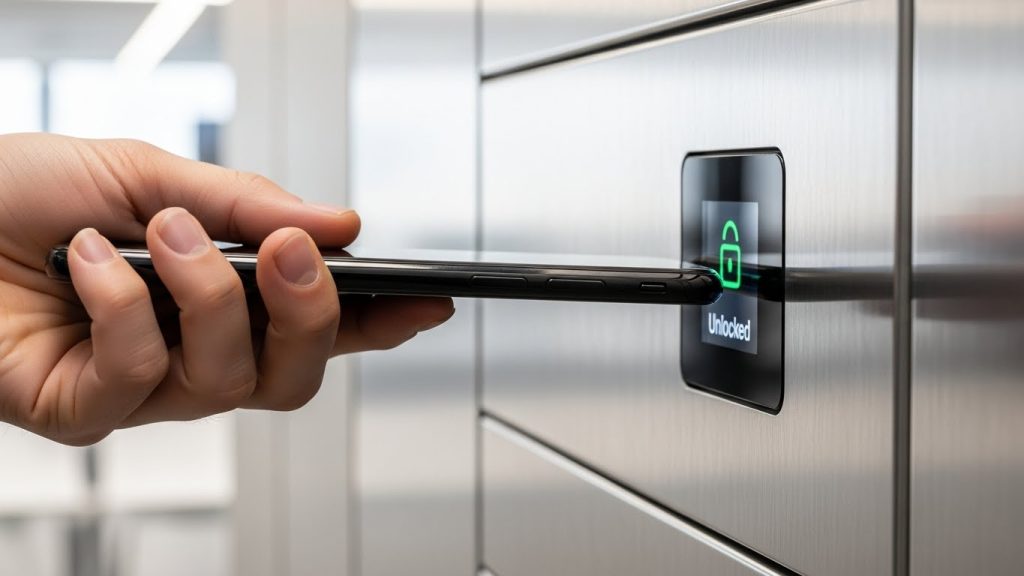
In 2026, digital locks have evolved beyond simple plastic keypads. Modern systems now utilize NFC (Near Field Communication), biometric scanners, and encrypted PINs that rotate to prevent "fingerprint smudging" patterns on the buttons.
The Power of the Audit Trail
The greatest security advantage of a digital system is accountability. Most 2026 digital lockers feature a non-volatile memory that records the last 100+ access events. This acts as a massive deterrent against internal theft or "prying eyes" in a corporate environment.
The "Smart" Features
- Auto-Lock Timers: Ensures a locker isn't accidentally left open by a distracted user.
- Remote Management: Administrators can reset a forgotten PIN from a smartphone or central console in seconds.
- AI Anomaly Detection: (Emerging) Some high-end systems now alert security if they detect "brute force" patterns (multiple failed code attempts across several lockers).
Common Mistakes to Avoid:
- Ignoring Battery Life: Failing to set up a scheduled battery replacement cycle (leads to "lockouts").
- Using Default Admin Codes: Many managers forget to change the factory-set master code (e.g., 0000 or 1234), leaving the entire system vulnerable.
Security Deep-Dive: Picking vs. Hacking
| Threat Vector | Key Lock Risk Level | Digital Lock Risk Level |
| Physical Picking | High (with basic tools) | Low (requires internal bypass) |
| Cyber Hacking | Zero | Low/Medium (if networked) |
| Social Engineering | Medium (Stealing keys) | High (Watching someone type a PIN) |
| Unauthorized Duplication | High (Easy to copy keys) | Zero (Codes cannot be "copied") |
Security Reality Check: While "hacking" a digital lock makes for a great movie plot, the reality in 2026 is that it is significantly harder to hack a modern encrypted digital lock than it is to pick a standard $5 mechanical cam lock.
Industry-Specific Recommendations (Schools, Gyms, Offices)
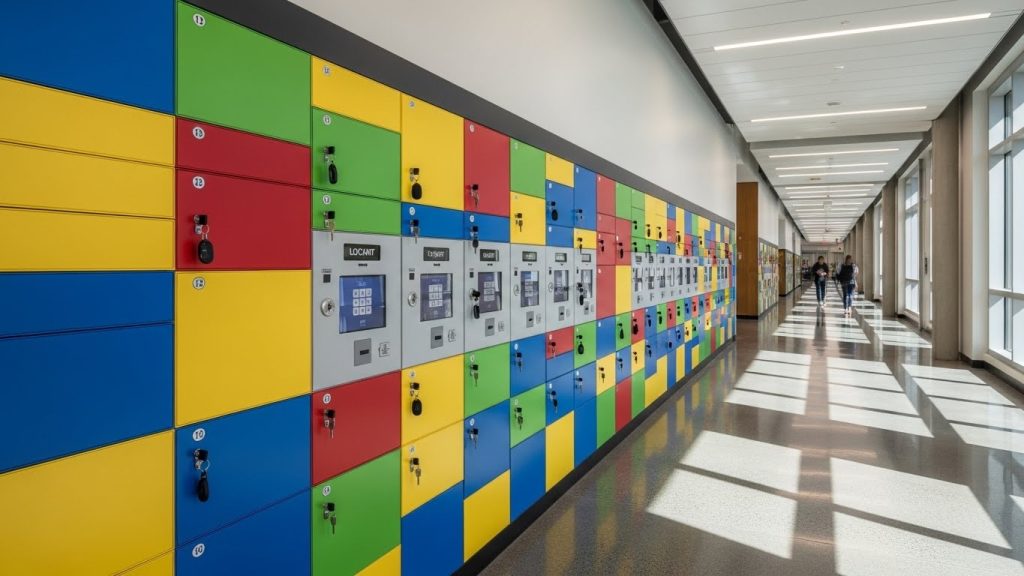
The "safest" choice depends entirely on your environment and how the lockers are mounted. For example, if you are deciding between wall-mounted vs floor-standing phone lockers, your choice of lock might be influenced by how accessible the units are to the general public.
Schools and Universities
Recommendation: Digital.
Schools face a high rate of key loss. Replacing 20–30 keys per semester is a logistical nightmare. Digital lockers allow students to set their own codes, which can be wiped daily by the administration.
Gyms and Spas
Recommendation: Mechanical or IP65-Rated Digital.
Humidity is the enemy of electronics. If you choose digital, ensure the units are rated for moisture resistance. Otherwise, a high-quality stainless steel key lock is the more reliable choice for long-term security.
Corporate Offices
Recommendation: Digital with NFC.
Most modern offices already use ID badges. Integrating your phone lockers with existing employee badges via NFC provides the highest level of security and convenience without the need for additional keys or remembered PINs.
Frequently Asked Questions
Most digital locks cannot be "picked" in the traditional sense because they lack a physical keyway. However, they can be bypassed if an intruder has access to the master override code or if the physical housing is weak enough to be pried open.
Modern digital lockers include external "jump-start" contacts (usually for a 9V battery) or a hidden mechanical override key. This ensures you can always access the locker even if the internal power fails.
Security in schools depends more on "accountability" than the lock itself. Digital lockers are generally safer for schools because the audit trail discourages students from trying to guess a peer’s code.
A master code is generally safer because it cannot be physically stolen and duplicated. If a master code is compromised, it can be changed in seconds; if a master key is lost, every lock in the facility must be re-keyed.
While they require batteries (typically every 12–18 months), digital locks are often cheaper long-term because you eliminate the cost of hiring a locksmith to replace lost keys and compromised cylinders.
Only if the lockers are networked. Many digital phone lockers are "stand-alone," meaning they have no wireless connection and are therefore immune to remote cyber-attacks.
Conclusion: The 2026 Verdict
In 2026, digital locks are the superior choice for security and management in almost every commercial and educational application. They provide the accountability and flexibility that physical keys simply cannot match. However, for remote locations or high-humidity environments where simplicity is paramount, the traditional key lock remains a reliable, unhackable alternative.
