
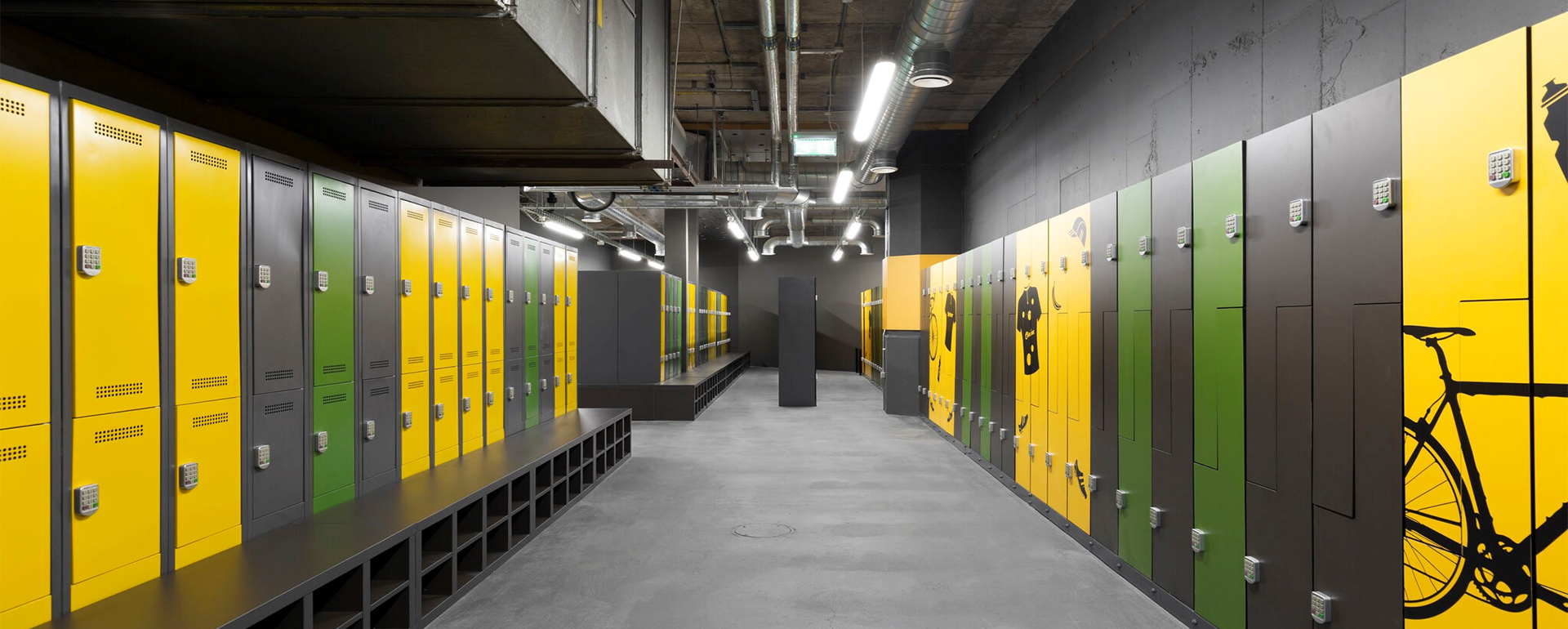
What are Cell Phone Lockers? The Essential Guide for Facilities
Cell phone lockers are specialized, high-security storage units featuring small, individual compartments designed to secure mobile devices, tablets, and personal effects. They provide a centralized location for users to store electronics in environments where distractions, security risks, or safety hazards must be minimized.
In this guide, you will:
- Define the core specifications of modern phone storage.
- Identify the key use cases for schools, offices, and high-security sites.
- Evaluate different lock and charging technologies.
- Understand the legal and privacy considerations for facility management.
Understanding Cell Phone Lockers: A Definition
At their core, cell phone lockers are micro-compartment storage solutions. Unlike standard gym lockers designed for bags and apparel, these units feature a smaller footprint—typically sized to fit a smartphone, a small tablet, and personal items like keys or a wallet.
Constructed from heavy-duty materials, such as 1.0mm cold-rolled galvanized steel, these lockers are built to withstand high-traffic use. They are often modular, allowing facilities to stack units of 30, 50, or even 100 doors depending on the user base. Beyond simple storage, many modern units serve as "tech hubs," providing a secure environment to house expensive electronics while maintaining a professional, organized aesthetic.
Why Facilities are Installing Phone Lockers in 2026
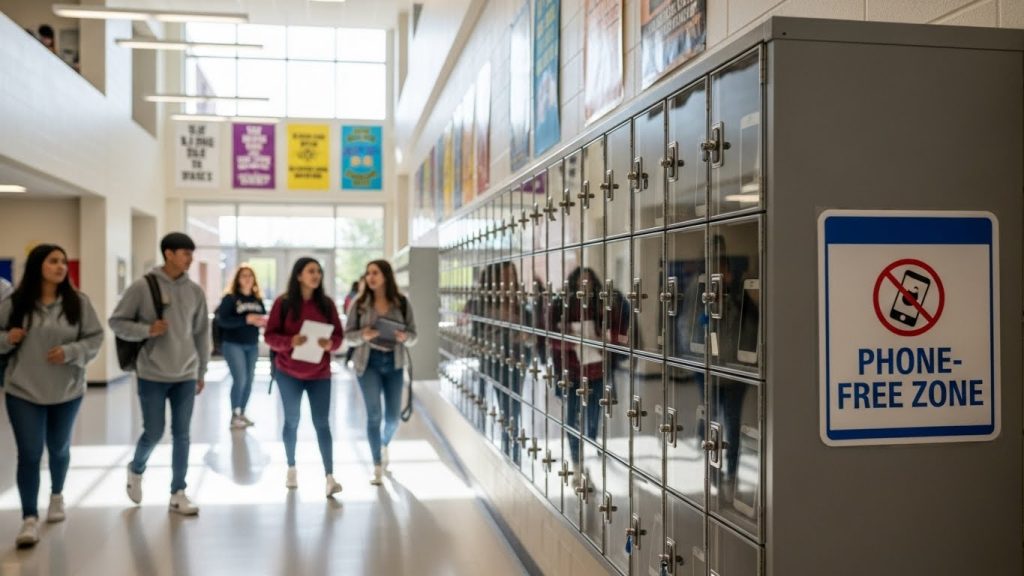
The demand for cell phone lockers has surged as facilities move toward "phone-light" or "phone-free" environments to improve safety and focus.
Focus and Productivity (Schools & Offices)
In educational settings, "Away for the Day" policies are becoming the global standard. Schools utilize these lockers to eliminate the "phantom vibration" distraction, ensuring students remain engaged during instruction. In corporate offices, particularly in open-plan layouts, phone lockers help employees maintain deep-work states by removing the constant lure of social media notifications.
High-Security & Anti-Espionage (R&D, Government)
For Research & Development (R&D) labs, government agencies, and data centers, mobile devices represent a significant security leak. Integrated cameras and recording software can be used for corporate espionage. Providing a secure locker at the "air-gap" entrance ensures that no unauthorized recording devices enter sensitive zones.
Safety & Environment (Factories, Construction)
In industrial manufacturing, a distracted worker is a safety liability. Modern factories implement phone lockers to ensure operators remain focused on heavy machinery, reducing the risk of workplace accidents. Additionally, using lockers with anti-bacterial powder coatings—a critical hygiene standard in 2026—helps prevent the spread of germs in shared locker rooms.
Key Features to Look For (The Checklist)
When procurement teams evaluate how cell phone lockers work within their infrastructure, several technical features define the quality of the investment.
Integrated Charging (USB-C & Wireless)
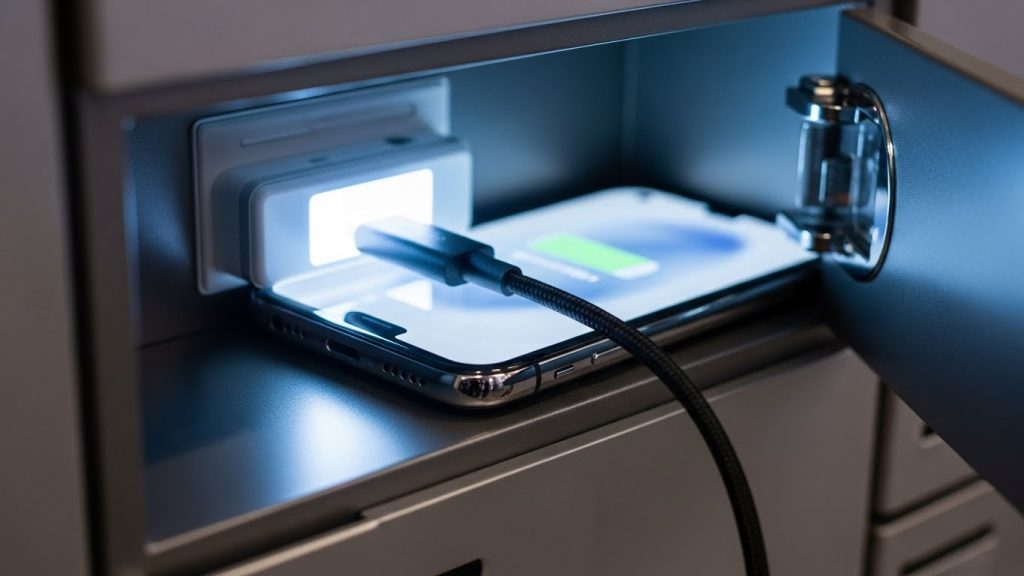
A locker that only stores a device is no longer enough. High-end units now feature integrated USB-C ports or Qi-wireless charging pads within each compartment. This adds value for the user, ensuring their device is fully charged by the end of the school or work day.
Material Quality (Galvanized Steel vs. Acrylic)
- Galvanized Steel: The industry gold standard. It offers superior rust resistance and "anti-pry" durability.
- Acrylic/Transparent Doors: Useful for security personnel who need to perform visual inspections without opening the locker, though they offer less privacy for the user.
Lock Technology (Mechanical vs. RFID vs. Biometric)
- Mechanical Cam Locks: Cost-effective but require physical key management.
- Digital Keypads: Allow users to set a one-time PIN; ideal for "hot-desking" or guest use.
- RFID/Smart Card: Best for employee-only zones where existing ID badges can grant access.
Common Mistake: Neglecting ventilation. Active charging generates heat. Ensure your lockers have perforated doors or rear ventilation slots to prevent device overheating.
Legal & Privacy Considerations
Managing personal property requires a clear legal framework. In the US, the Fourth Amendment protects against "unreasonable searches and seizures," which can extend to student or employee lockers if a "reasonable expectation of privacy" is established.
To mitigate risk, facilities should:
- Implement a Clear Policy: Users should sign an agreement stating that lockers are the property of the facility and may be subject to inspection under specific safety conditions.
- Visible Signage: Place signs near the locker banks stating that the area is monitored and that storage is at the user's own risk.
- Master Access: Ensure your locker system has a "Master Key" or "Manager Code" for emergency access or to clear out "abandoned" lockers at the end of a semester or shift.
Installation Styles: Wall-Mounted vs. Recessed vs. Pedestal
The physical layout of your facility will dictate the best installation style:
- Wall-Mounted: The most popular choice for hallways. These units are bolted directly to the wall at eye level, saving valuable floor space.
- Recessed: These are built into the wall cavity for a flush, seamless look. This is the preferred method for new high-end architectural builds.
- Pedestal/Floor Stand: Best for areas where wall space is limited or where the wall cannot support the weight of a 50-door steel unit.
Frequently Asked Questions
Yes, many modern models include integrated USB-A or USB-C charging ports in every compartment. Some advanced 2026 models also offer wireless Qi-charging pads for cable-free power.
They are highly secure. Most are constructed from 1.0mm to 1.2mm thick steel with anti-pry hinges, making them significantly more secure than storing phones in a desk or a common "phone caddy."
Standard configurations usually come in 10, 30, 50, or 60-door units. Most facilities calculate the number of doors based on 110% of their peak occupancy to account for growth or guests.
Digital PIN code locks or RFID locks are best for high-turnover sites like gyms or visitor centers, as they eliminate the administrative burden of managing and replacing lost physical keys.
Standard cell phone lockers are designed for devices up to 7-8 inches. For larger tablets or laptops, you must specify "Mini-Laptop" or "Tablet" locker dimensions, which feature wider and deeper compartments.
In many jurisdictions, if a facility provides the locker and the lock, and has a clear written policy, the "expectation of privacy" is reduced, allowing administrators to inspect lockers for safety reasons without violating search and seizure laws.
