
Do Phone Lockers Block Cell Signal and Do You Need That?
Most metal phone lockers act as partial Faraday cages, significantly weakening or completely blocking cellular signals depending on the material and construction. While a standard steel locker may not stop every call, it typically reduces signal strength by 32 dB to 50 dB, often rendering 5G and WiFi unusable. Understanding this "shielding effect" is crucial for facility managers balancing the need for security with the requirement for emergency connectivity.
In this guide, you will learn to control:
- Signal Attenuation: How to choose materials based on whether you want signals to pass through.
- Connectivity Needs: Determining if your lockers should allow for emergency 911 alerts.
- Device Health: Preventing excessive battery drain caused by phones searching for signal.
- Legal Compliance: Ensuring your storage solution meets FCC passive shielding standards.
The Science: How Metal Lockers Mimic Faraday Cages
A Faraday cage is an enclosure made of conductive material that blocks external static and non-static electric fields. When you place a smartphone inside a cell phone locker made of solid steel or aluminum, the metal redistributes the electromagnetic charges around the exterior. This process effectively cancels out the field's effect on the interior, leading to a "dead zone" for the device inside.
However, the effectiveness of this shielding depends on the "seams" and openings of the unit. For a locker to block 100% of a signal, it must be perfectly sealed. Standard lockers have small gaps around the door or ventilation perforations that allow some radio waves to "leak" in. While these leaks might allow a text message to trickle through, they are usually enough to disrupt high-bandwidth activities like video streaming.
Why Your Locker Might Not Be a "Perfect" Shield
- Ventilation Holes: Perforated doors allow waves with wavelengths smaller than the hole diameter to enter.
- Gasket Gaps: If the door does not have a conductive gasket, the air gap acts as a window for RF (Radio Frequency) signals.
- Internal Reflection: Signals that do enter can bounce around the interior, occasionally maintaining a weak connection.
Material Matters: Steel vs. Aluminum vs. Plastic
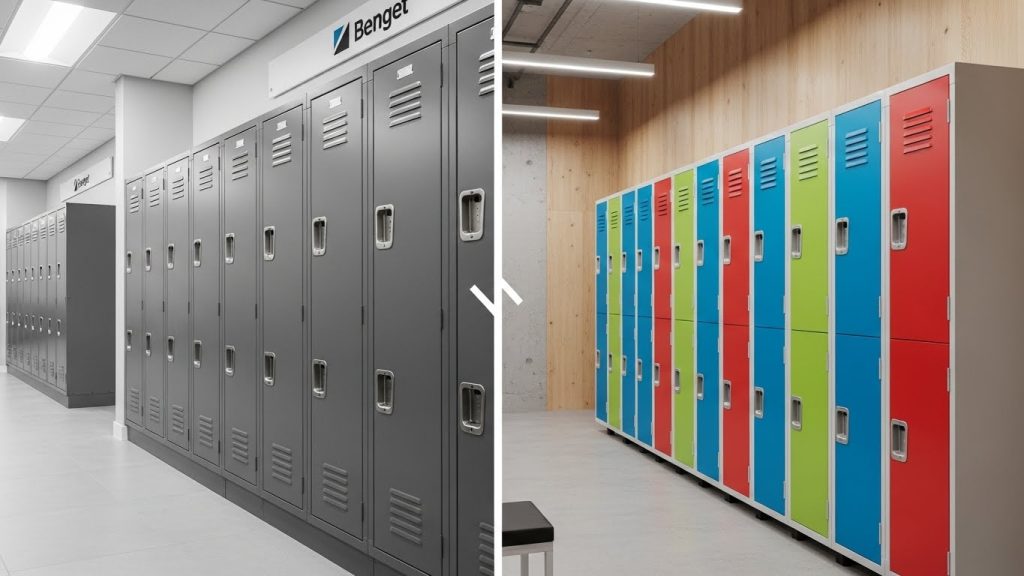
The material used in locker construction is the primary factor in signal penetration. If your goal is to ensure a total digital detox, metal is your best ally. If you need employees or students to remain reachable for emergencies, other materials may be more appropriate.
| Material | Signal Interference | Best Use Case |
| Solid Steel | High (-32 to -50 dB) | Maximum security, distraction-free zones. |
| Aluminum | Moderate to High | Lightweight security, high-end offices. |
| HDPE Plastic | Near Zero | Gyms, schools where connectivity is required. |
| Wood/Laminate | Low | Corporate offices, aesthetic-focused spaces. |
For environments like fitness centers, you must also consider environmental durability. In these cases, it is helpful to research what phone locker materials work best in humid gyms or pools to balance signal needs with rust resistance.
Common Mistake: Assuming all metal lockers are equal. Thin, low-grade steel may allow more signal through than heavy-duty 16-gauge steel used in high-security units.
5G, WiFi, and Bluetooth: Which Signals Survive?
Not all wireless signals behave the same when hitting a metal barrier. Generally, higher-frequency signals have a harder time penetrating solid objects.
5G and mmWave
Modern 5G networks, especially millimeter-wave (mmWave), operate at very high frequencies. These signals are notoriously fragile and can be blocked by something as thin as a sheet of aluminum foil. If your facility is in a 5G-dense urban area, putting a phone in a metal locker will likely drop the connection immediately.
4G LTE and WiFi
Lower-frequency 4G LTE (around 700MHz to 2.1GHz) has longer wavelengths that are more "persistent." These signals are better at finding the small gaps in locker doors. Similarly, 2.4GHz WiFi may survive better than 5GHz WiFi inside a locker, though both will experience significant "packet loss," leading to slow or timed-out connections.
The "Signal Blocking" Dilemma: Pro vs. Con
Deciding whether you want your lockers to block signals is a strategic choice for any organization.
The Pros: Focus and Security
- True Digital Detox: Eliminating the "phantom vibration" syndrome by ensuring the phone cannot receive notifications.
- Anti-Espionage: In high-security government or corporate meeting rooms, blocking signals prevents remote activation of microphones or cameras.
The Cons: Safety and Battery Drain
- Emergency Alerts: If a phone is fully shielded, it cannot receive E911 or local emergency broadcast alerts.
- Battery Killing: When a phone loses signal, its internal radio ramps up power to "search" for a tower. Leaving a phone in a high-shielding locker for 8 hours can drain a battery from 100% to near zero (needs verification).
Pro-Tip: If using high-shielding metal lockers, encourage users to switch their phones to "Airplane Mode" before locking them away to preserve battery life.
Legal and Safety Considerations in 2026
It is vital to distinguish between Passive Shielding and Active Jamming.
- Passive Shielding: Using materials like steel lockers to naturally block signals is legal under FCC regulations. You are simply providing a storage container that happens to be made of metal.
- Active Jamming: Using electronic devices to emit interference is strictly illegal for non-federal entities and carries heavy fines.
When installing these units, you must also ensure they are physically secure. Learn how to anchor phone lockers to prevent tip-over or theft to meet safety standards, especially in high-traffic school hallways. Additionally, maintaining a professional environment requires regular upkeep; ensure your staff knows how to clean and sanitize phone lockers in schools and gyms to prevent the spread of germs on high-touch surfaces.
How to Test Your Locker’s Signal Strength (DIY)
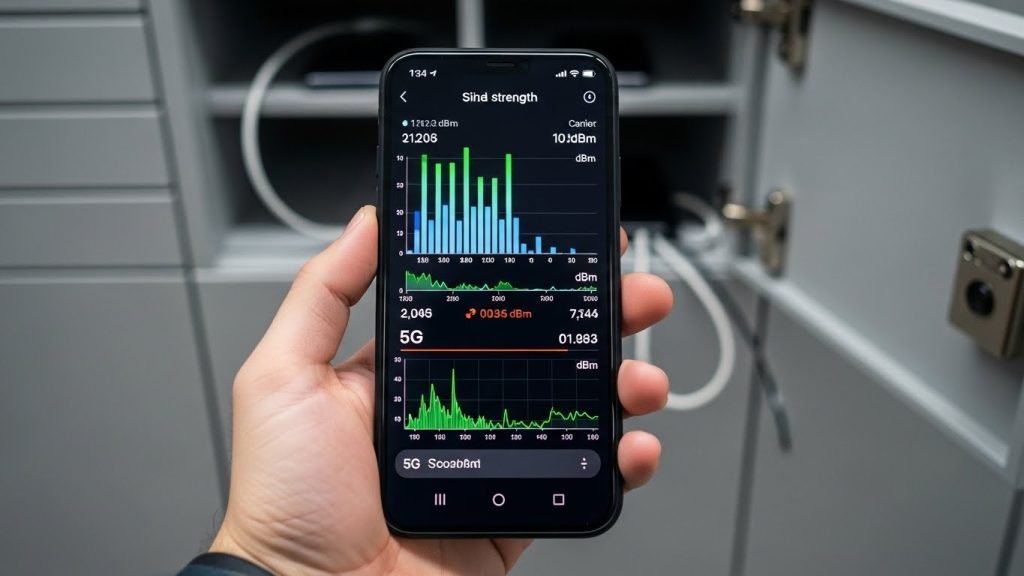
If you already have lockers installed, you can perform a simple decibel (dBm) test to see exactly how much signal is being lost.
- Baseline Check: Open your phone's "Field Test Mode" (usually
*3001#12345#*on iPhone) and record the dBm reading next to the locker. - Internal Check: Place the phone inside the locker, close the door, and wait 30 seconds.
- Calculate Loss: Re-check the reading. A drop of -30 dBm or more indicates significant shielding.
- The Call Test: Simply try calling the phone while it is locked. If it goes straight to voicemail, your locker is acting as a functional Faraday cage.
FAQ: Phone Locker Signal Interference
Do metal lockers block 100% of cell signals?
No, most standard metal lockers do not block 100% of signals because radio waves can enter through ventilation holes and small gaps around the door. However, they typically reduce signal strength enough to cause dropped calls or data failures.
It is perfectly legal to use "passive" materials like metal to block signals. It only becomes illegal if you use "active" electronic jamming equipment to intentionally interfere with public airwaves.
Yes, it can. If the locker blocks the signal, the phone will consume more power as it constantly searches for a nearby cell tower, which can significantly drain the battery over several hours.
No, HDPE plastic and wood are "transparent" to radio frequencies. Signals will pass through these materials with almost no interference, making them ideal if you want users to remain reachable.
In most cases, if the signal is weakened significantly by the metal, an emergency call will not go through. Users should be aware that they may be unreachable while their device is stored in a solid steel unit.
Yes, metal lockers interfere with Bluetooth and WiFi frequencies (2.4GHz and 5GHz) similarly to cellular signals. Bluetooth range will be significantly limited, often failing if the user moves more than a few feet from the locker
Conclusion
Whether a phone locker blocks a signal depends entirely on the material you choose and the construction of the unit. Metal lockers provide a high degree of "passive" interference, which is excellent for security and focus but may present challenges for battery life and emergency reachability. For those prioritizing connectivity, plastic or wooden alternatives are the superior choice.
